Authorization disclaimer. This walkthrough is limited to the intentionally vulnerable PortSwigger Web Security Academy lab linked below. Test only systems you own or are explicitly authorized to assess.
Overview
The store selector is assembled with document.write from location.search: the stock page builds an option from location.search; closing the select with "></select><img src=1 onerror=alert(1)> creates an image whose error handler fires. Closing the option and select contexts allows a real image element with an error handler to enter the DOM.
Lab objective/setup
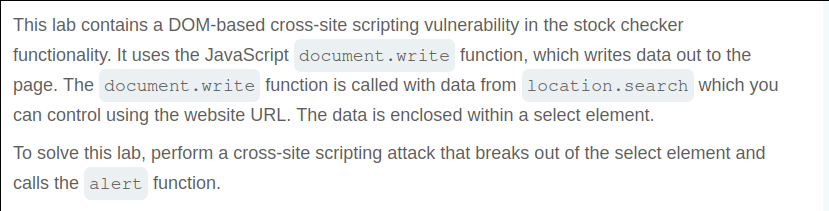
Exercise DOM XSS in document.write sink using source location.search inside a select element through the endpoint and input recorded in the lab note. The stock page builds an option from location.search; closing the select with "></select><img src=1 onerror=alert(1)> creates an image whose error handler fires.
What I observed
the stock page builds an option from location.search; closing the select with "></select><img src=1 onerror=alert(1)> creates an image whose error handler fires.
Why it is vulnerable
The stock page builds an option from location.search; closing the select with "></select><img src=1 onerror=alert(1)> creates an image whose error handler fires. The application passes that value into the security-sensitive operation without the context-specific validation or encoding needed to prevent this result.
Walkthrough in the authorized PortSwigger lab
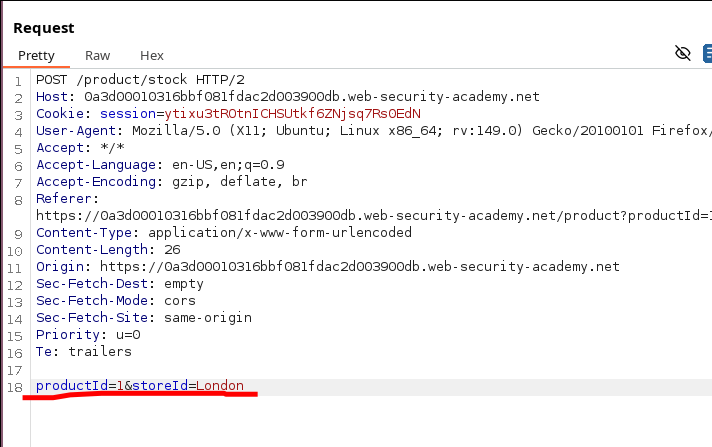
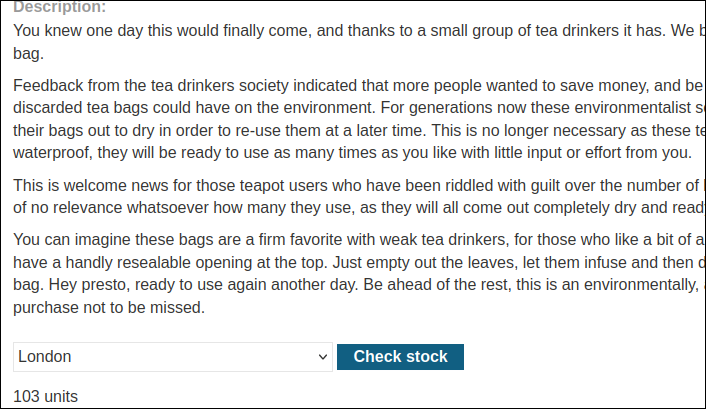
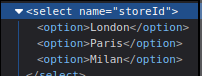
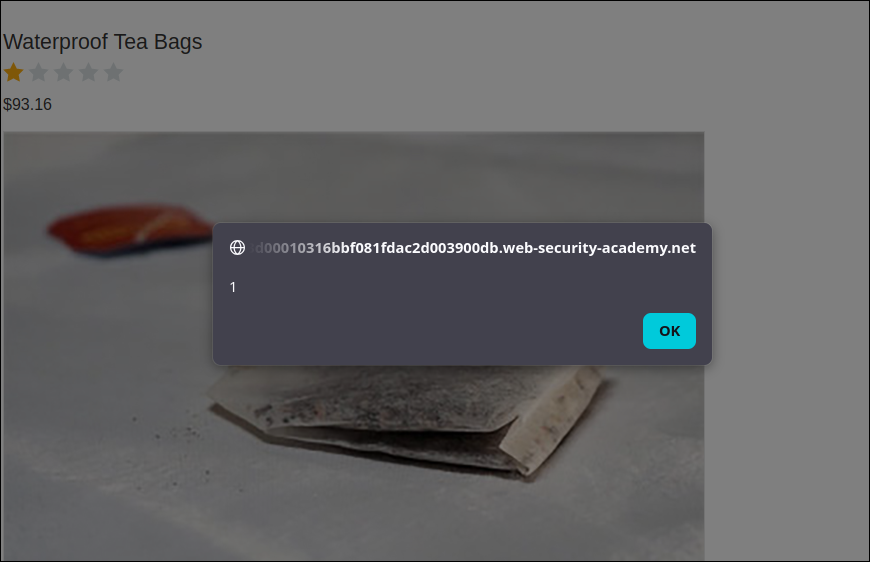
Open a product stock page, identify the query value copied into the generated option, and supply the select-closing payload. Inspect the resulting DOM to confirm that the injected img is outside the select and that its failed source invokes alert(1).
Verification
The lab is confirmed when the stock page builds an option from location.search; closing the select with "></select><img src=1 onerror=alert(1)> creates an image whose error handler fires. The captured result and the Academy solved state provide the verification; an ordinary status code alone does not.
Impact and defensive lesson
DOM XSS in a select-building sink executes in the site’s origin. Replace document.write with createElement and textContent, and constrain query-derived values to known store identifiers.