Authorization disclaimer. This walkthrough is limited to the intentionally vulnerable PortSwigger Web Security Academy lab linked below. Test only systems you own or are explicitly authorized to assess.
Overview
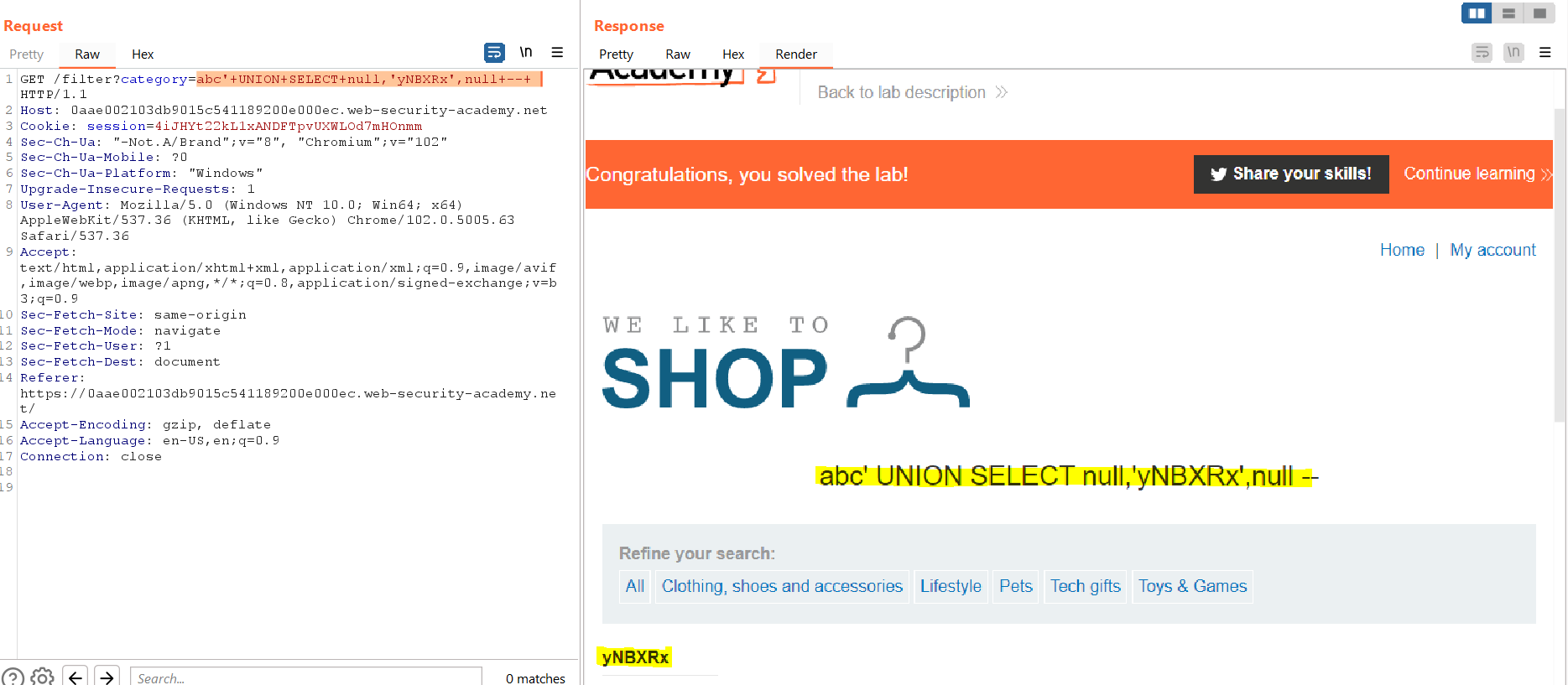
Only one UNION position can carry the required string: placing yNBXRx in column one errors, while UNION SELECT null,’yNBXRx’,null displays it in column two. The visible yNBXRx value identifies column two as text-compatible.
Lab objective/setup
Exercise SQL injection UNION attack, finding a column containing text through the endpoint and input recorded in the lab note. Placing yNBXRx in column one errors, while UNION SELECT null,'yNBXRx',null displays it in column two.
What I observed
placing yNBXRx in column one errors, while UNION SELECT null,'yNBXRx',null displays it in column two.
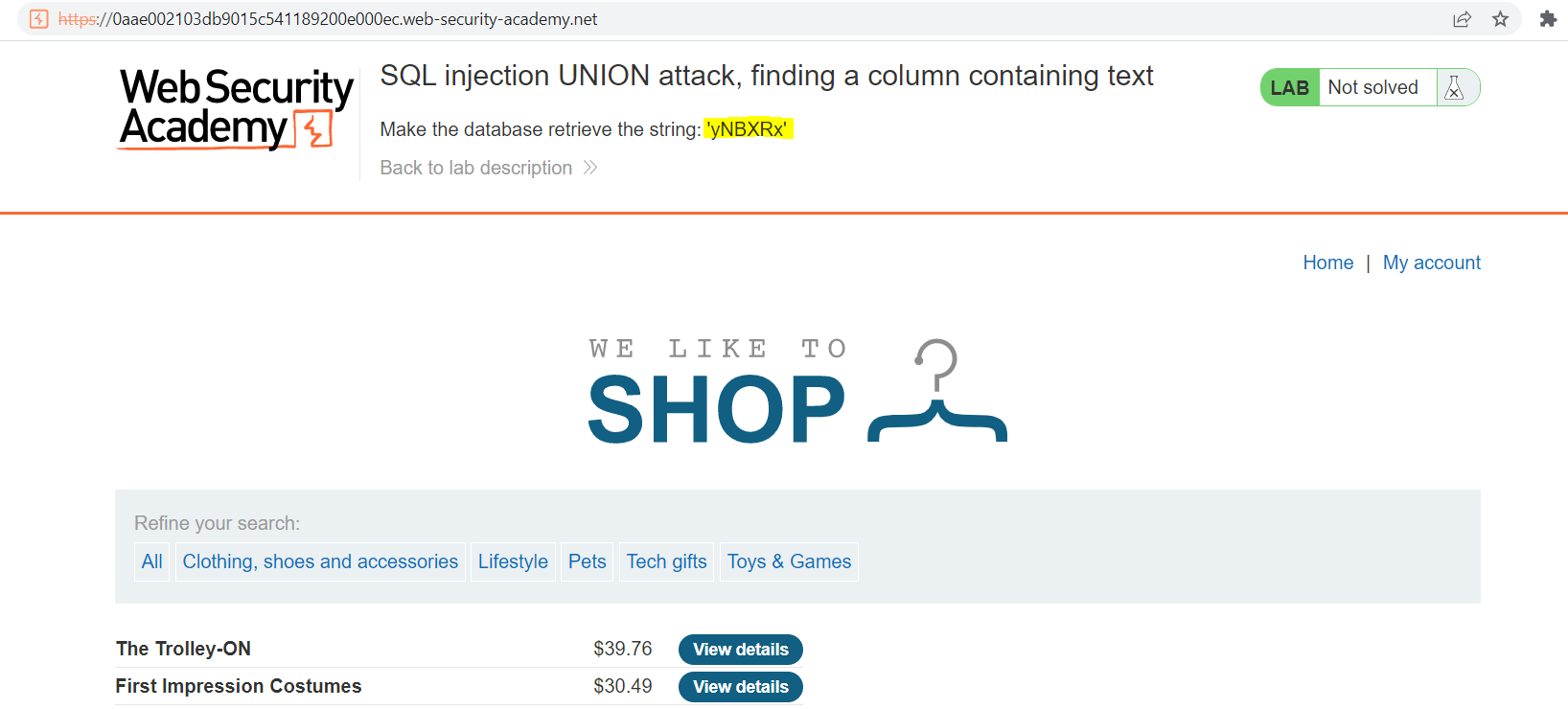
Why it is vulnerable
Placing yNBXRx in column one errors, while UNION SELECT null,'yNBXRx',null displays it in column two. The application passes that value into the security-sensitive operation without the context-specific validation or encoding needed to prevent this result.
Walkthrough in the authorized PortSwigger lab
Starting from the known three-column shape, place yNBXRx in each position while leaving the others null. Keep the variant UNION SELECT null,'yNBXRx',null after it renders the marker in the product page.
Verification
The lab is confirmed when placing yNBXRx in column one errors, while UNION SELECT null,'yNBXRx',null displays it in column two. The captured result and the Academy solved state provide the verification; an ordinary status code alone does not.
Impact and defensive lesson
A printable UNION column is enough to extract arbitrary text. Bind the filter parameter and avoid exposing database conversion errors that reveal column types.