Authorization disclaimer. This walkthrough is exclusively for the intentionally vulnerable PortSwigger Web Security Academy lab linked below. Only test systems you own or are explicitly authorized to assess.
Overview
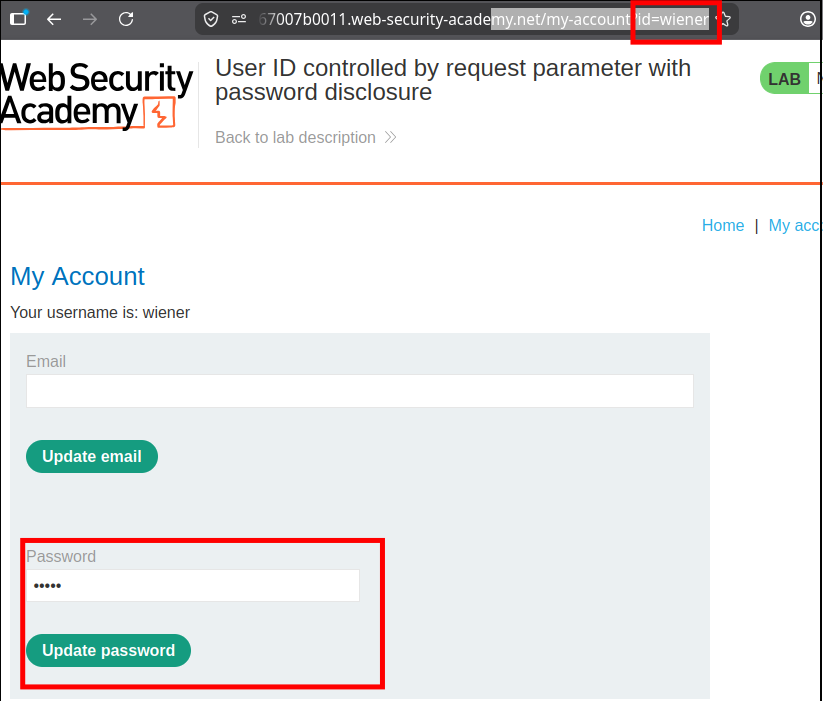
The account page trusts a user-controlled id parameter and renders the selected user’s password into an HTML password field. Browser masking changes only presentation: the underlying value remains available to the client. Selecting the administrator record therefore discloses the lab credential and enables vertical privilege escalation.
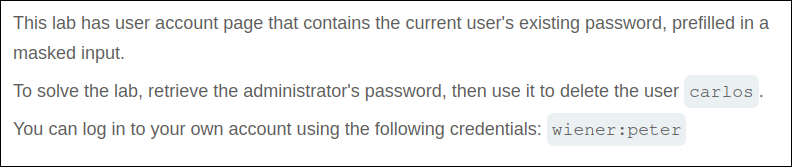
Lab objective/setup
Log in as wiener:peter, recover the synthetic administrator password, sign in as administrator, and delete carlos.
What I observed
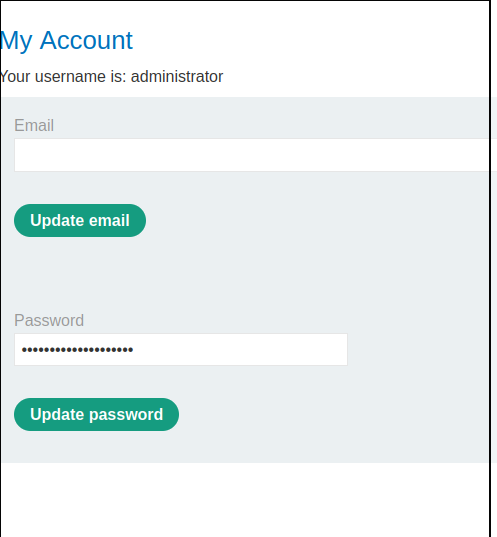
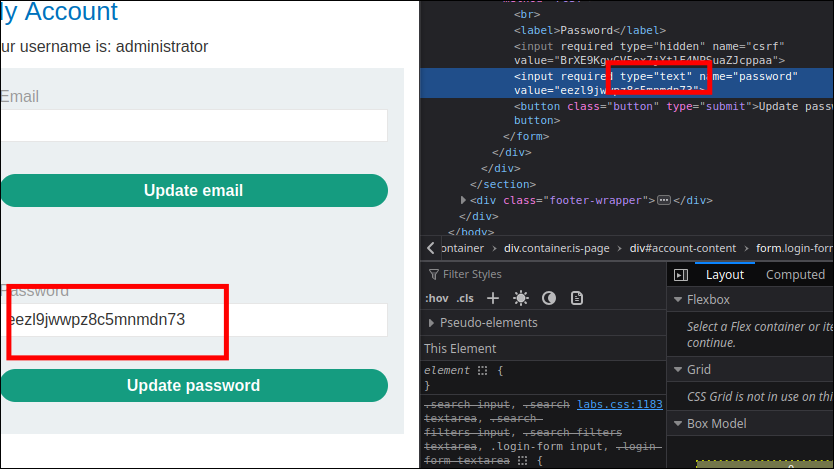
The profile displayed username and password fields, with the account selected through /my-account?id=wiener. Changing the parameter to administrator returned the administrator’s profile. Although the password appeared as dots, the page had already received its value.
Why it is vulnerable
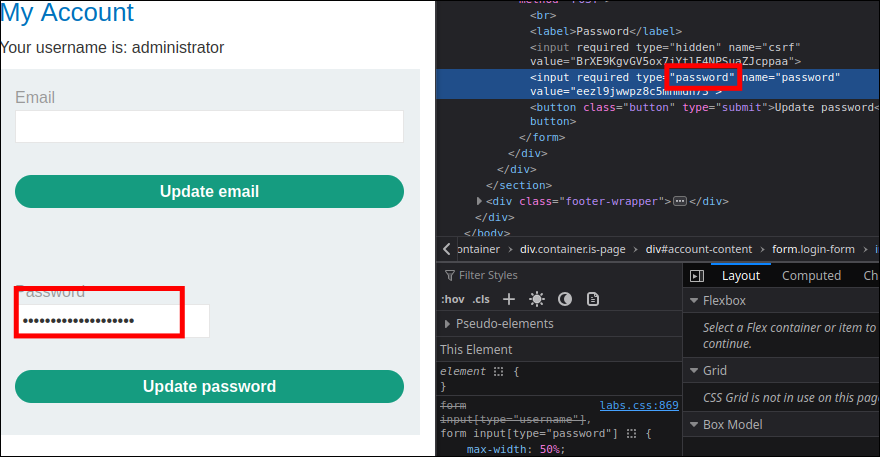
The endpoint lacks object-level authorization, and the application sends a reusable password to the browser. An <input type="password"> merely obscures text on screen; it does not protect data in the DOM or response source. Passwords should not be retrievable in plaintext at all.
Walkthrough in the authorized PortSwigger lab
- Sign in as
wienerand change the accountidtoadministrator. - Inspect the password input’s value in developer tools or the response source.
- Use the disclosed synthetic credential to sign in as
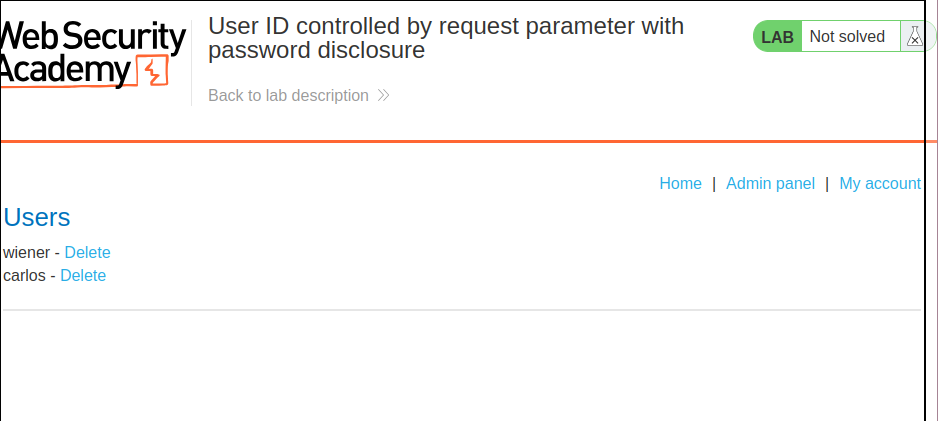
administrator. - Open the admin panel and delete
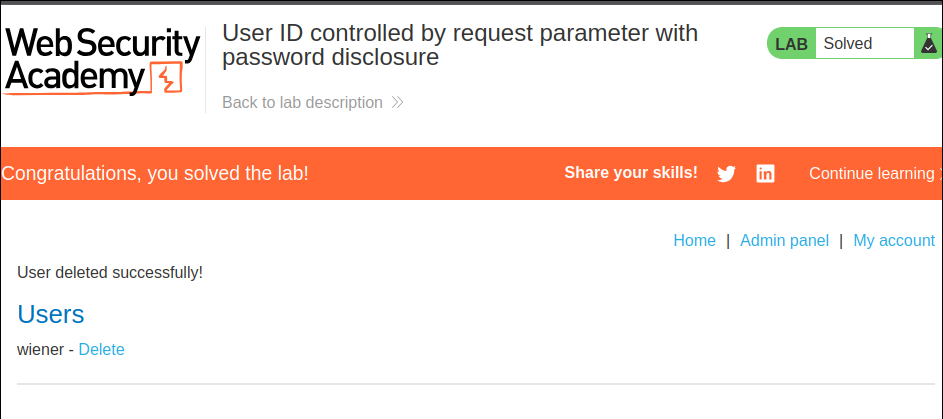
carlos.
Verification
The normal account can load the administrator profile, and inspecting the returned field reveals the lab password. The Academy marks the exercise solved after that credential is used for the required admin action. The exact synthetic password is intentionally not reproduced here.
Impact and defensive lesson
The combination permits administrator account takeover and may amplify password reuse risk. Enforce ownership on every account lookup, never return existing passwords to a client, and store passwords with a modern one-way password-hashing function.